Private by default, shared on purpose
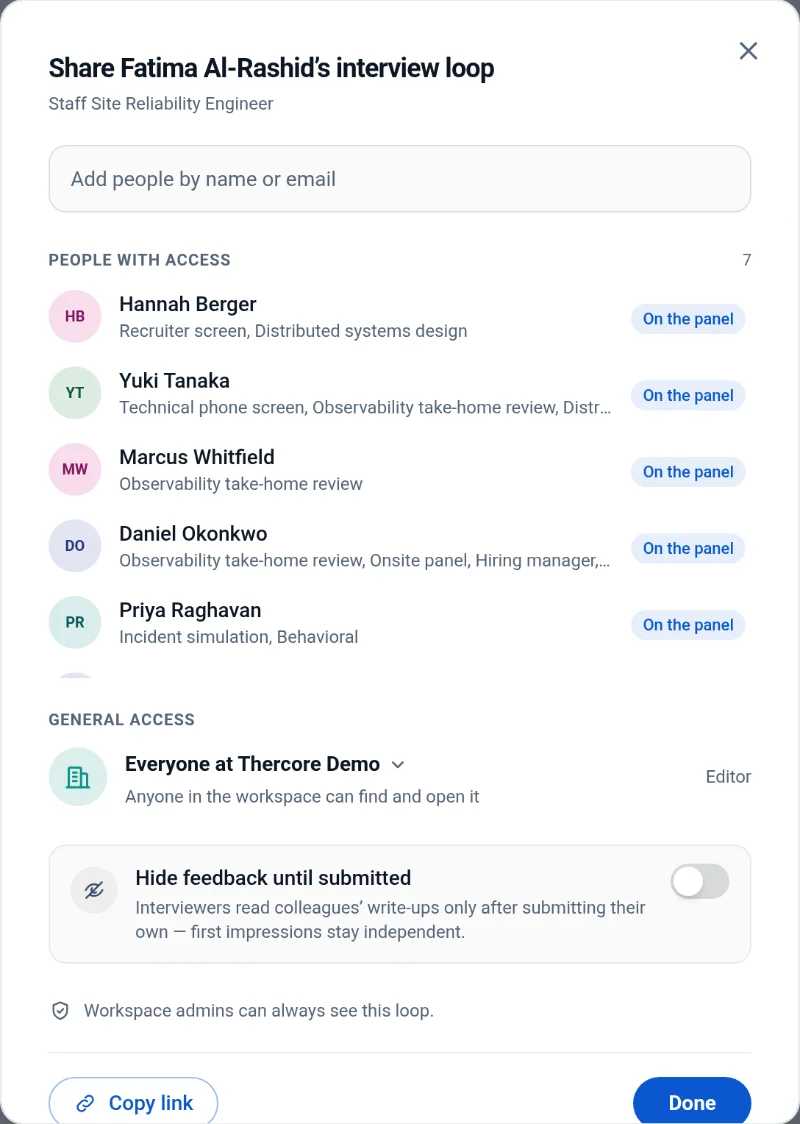
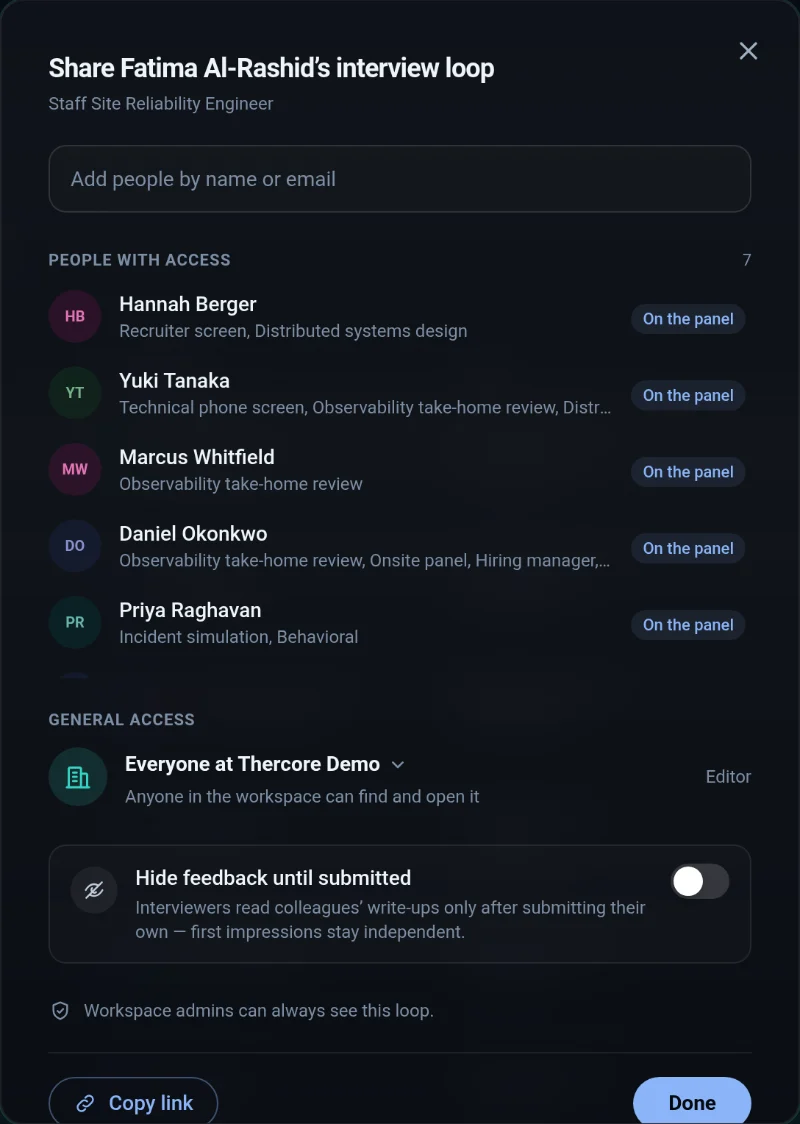
Google-Docs-style sharing for every loop: restricted, the hiring team or everyone. Choose who reads each write-up, and hide feedback until people submit their own.
Interview loops · AI assistant · Scheduling
The AI does the admin. Your team makes the call.
The assistant
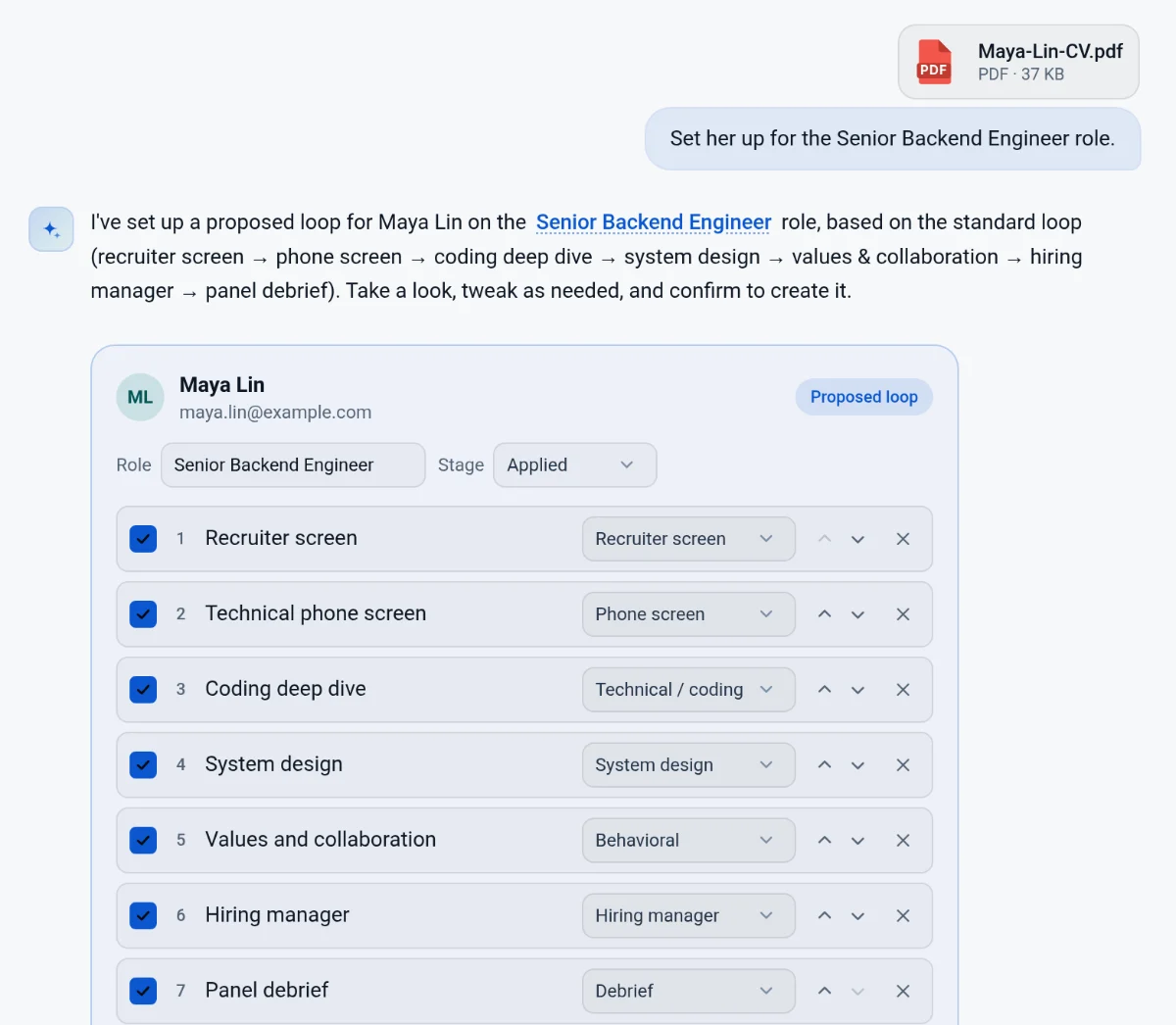
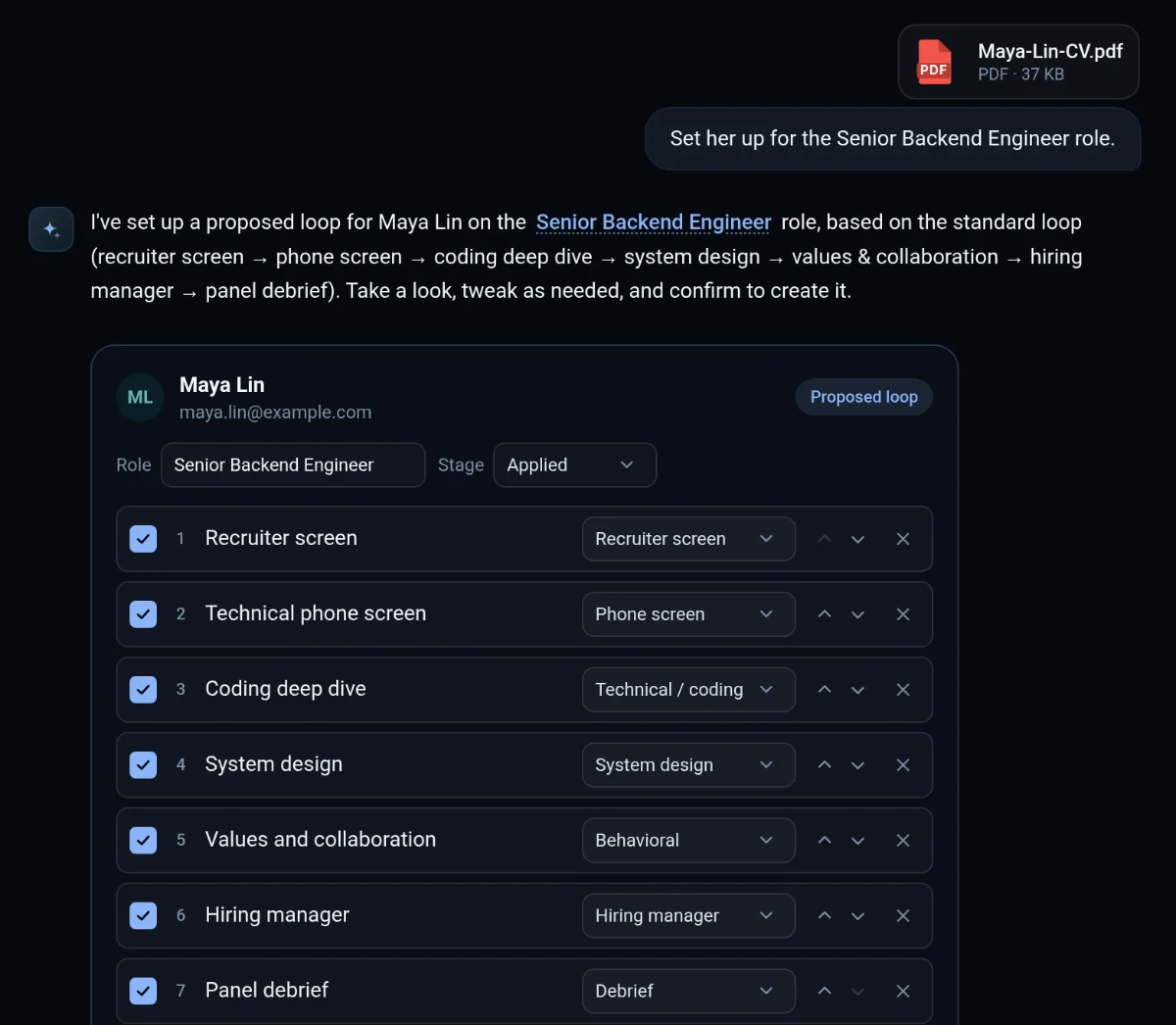
An assistant that knows every role, candidate and write-up in your workspace. It acts on them too, and you confirm the changes that matter.
Live tables you can edit in placeAnswers that cite the write-ups
The product
From the first screen to the decision: who is interviewing, what they saw, and when the candidate is free. No spreadsheet in sight.
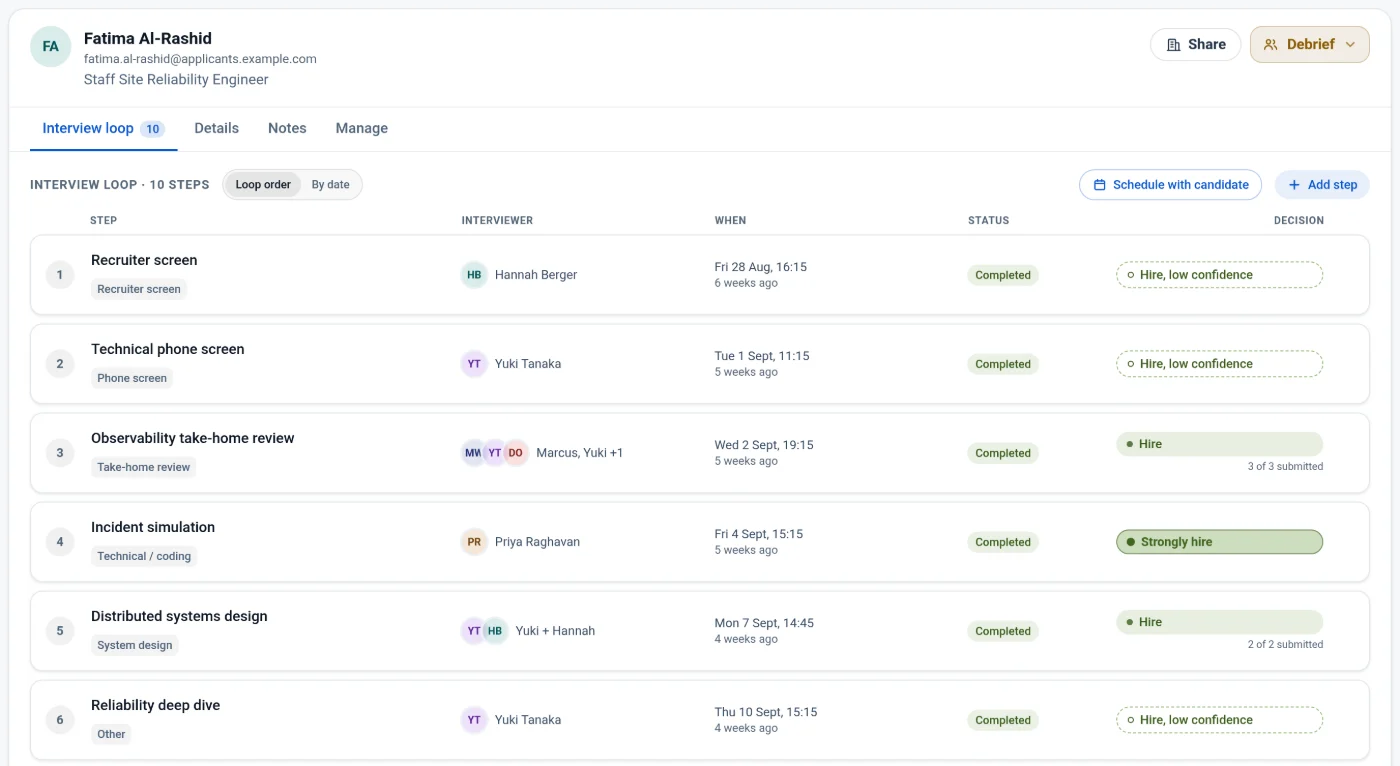
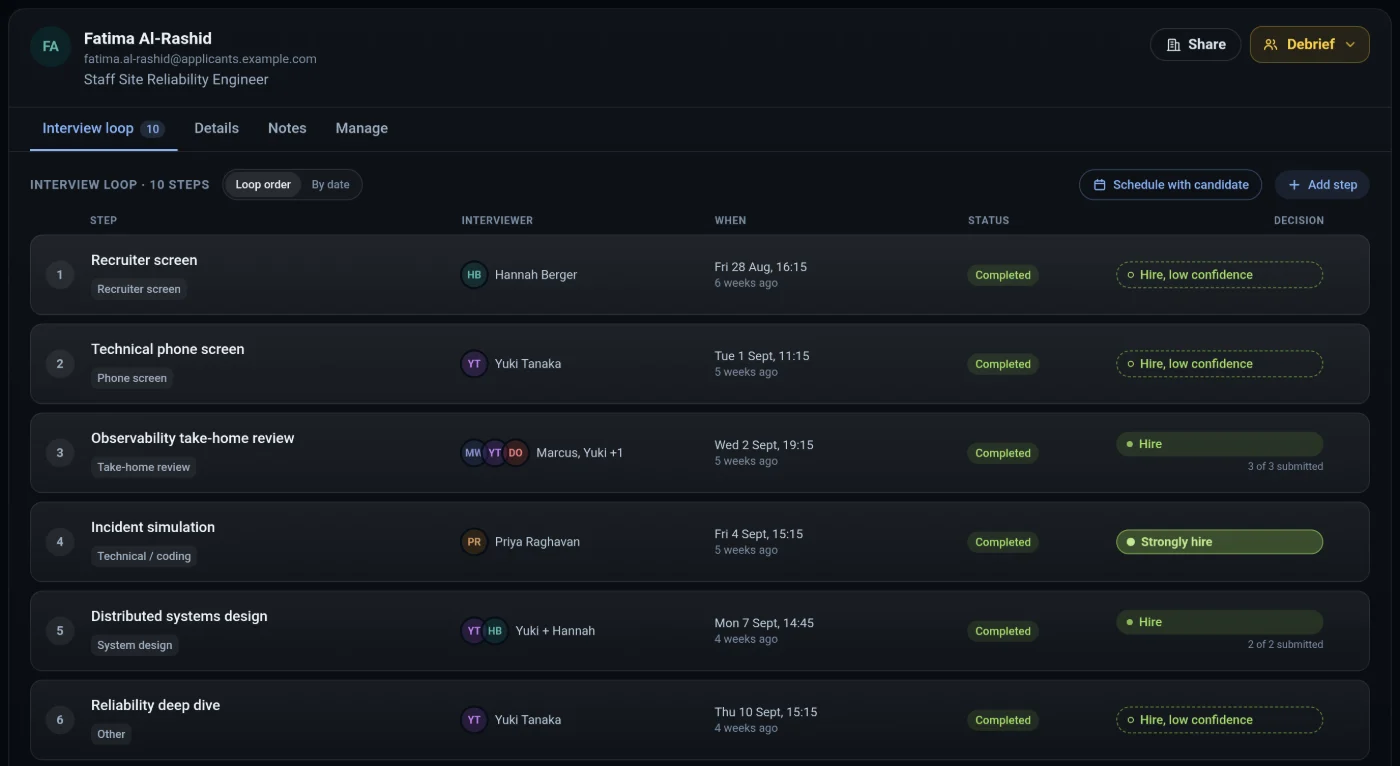
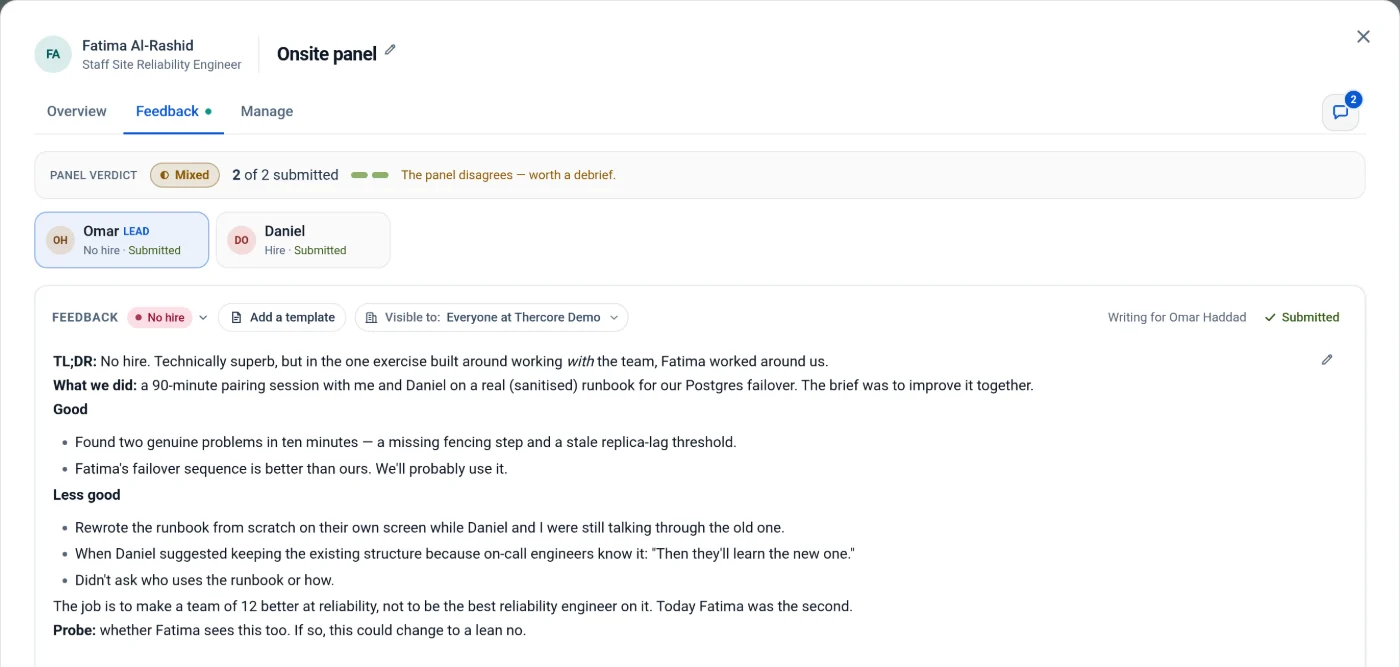
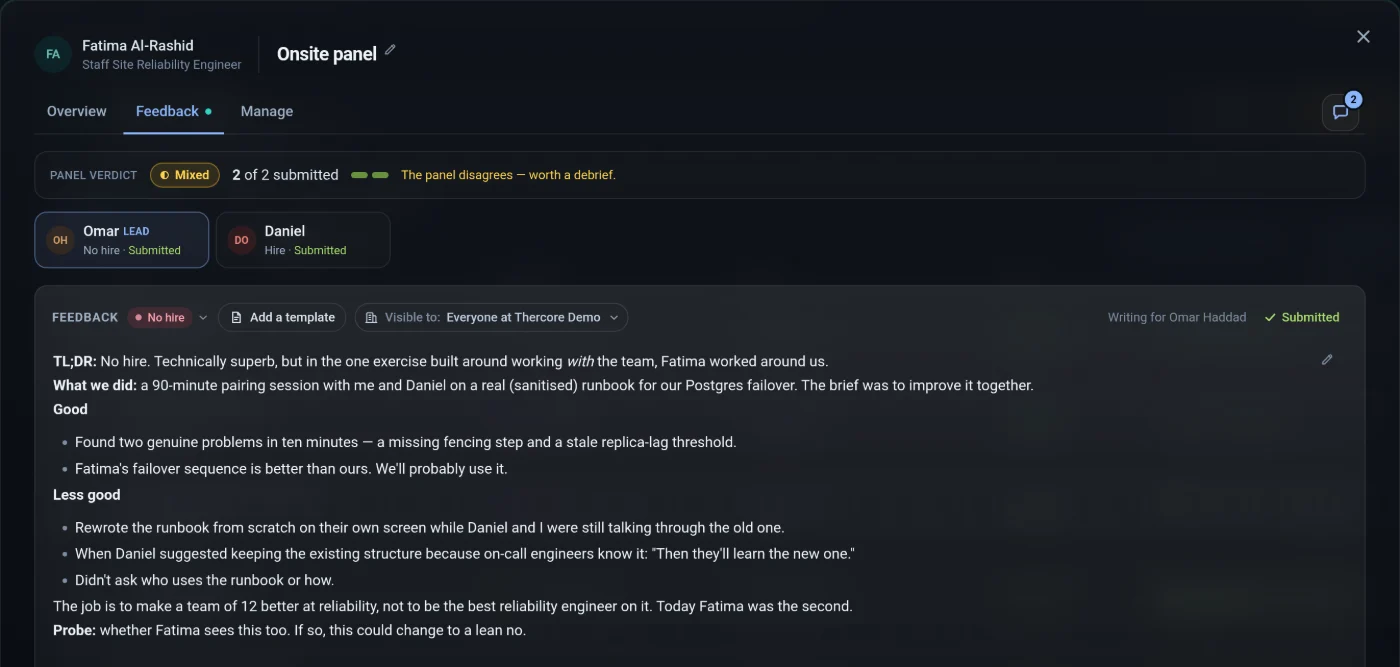
Candidates & feedback
Each candidate's interview loop, step by step: who is on the panel, when it happens, and what each interviewer decided.
Roles
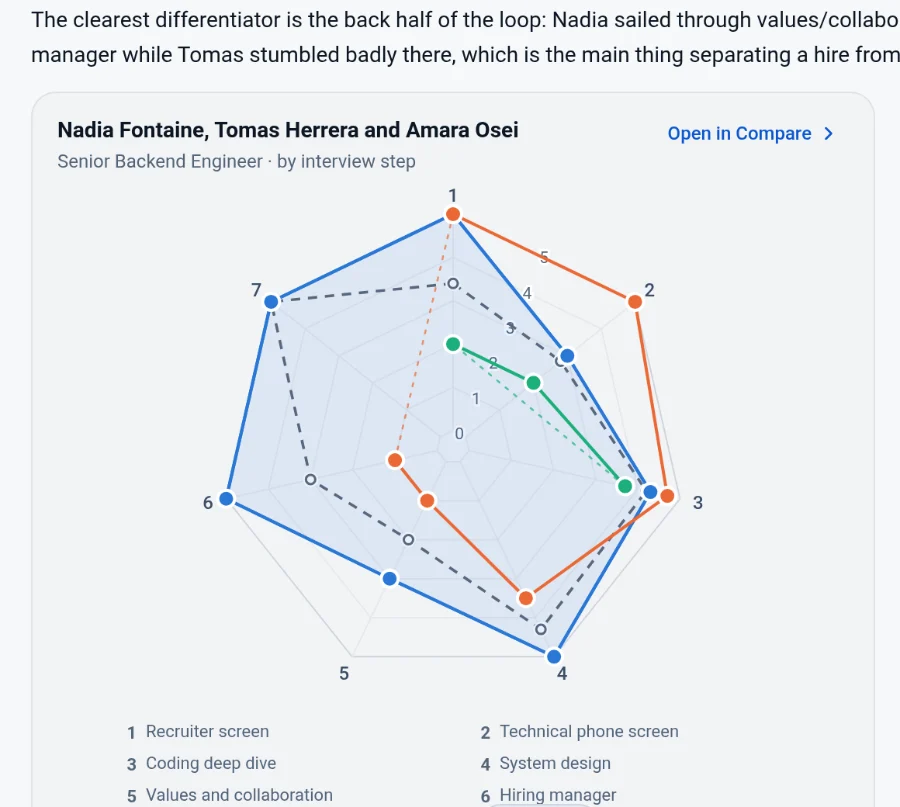
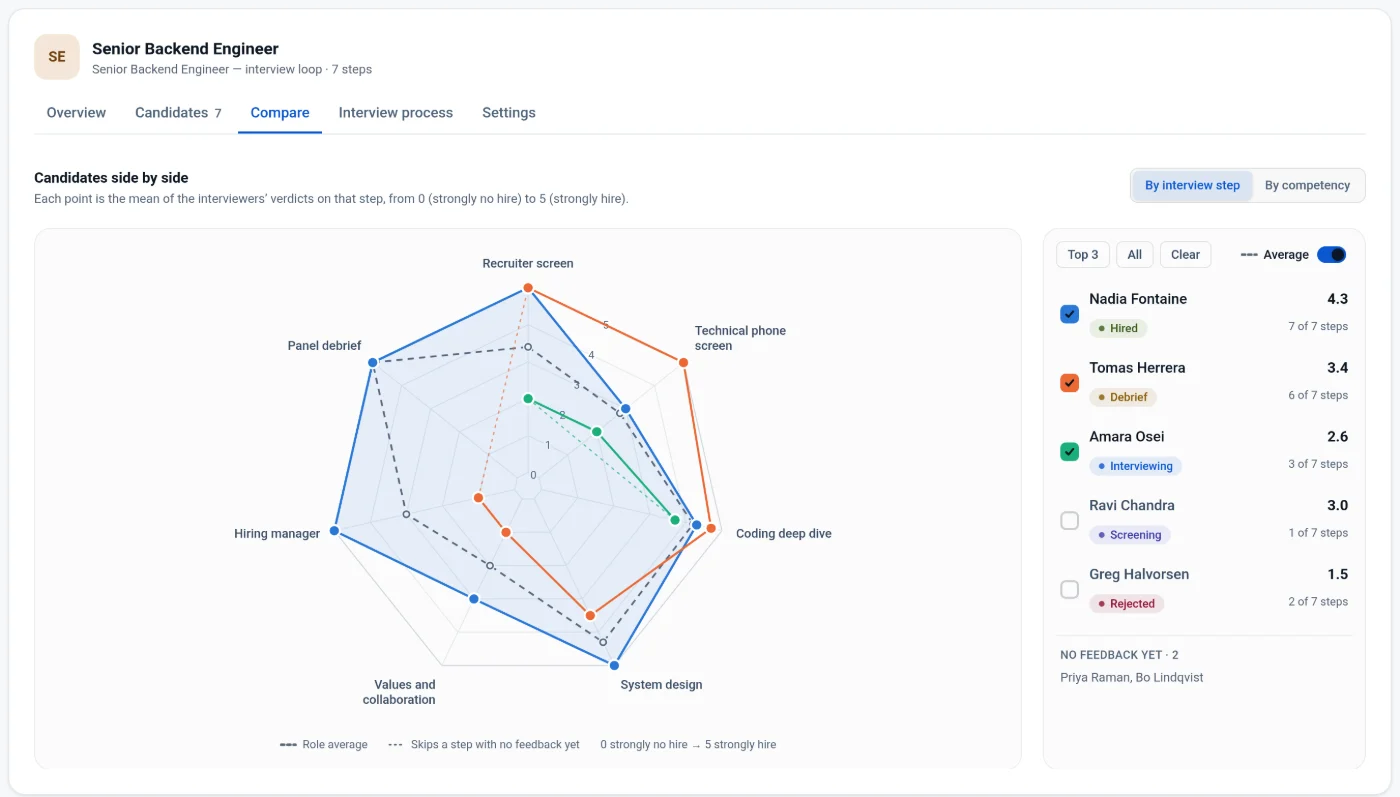
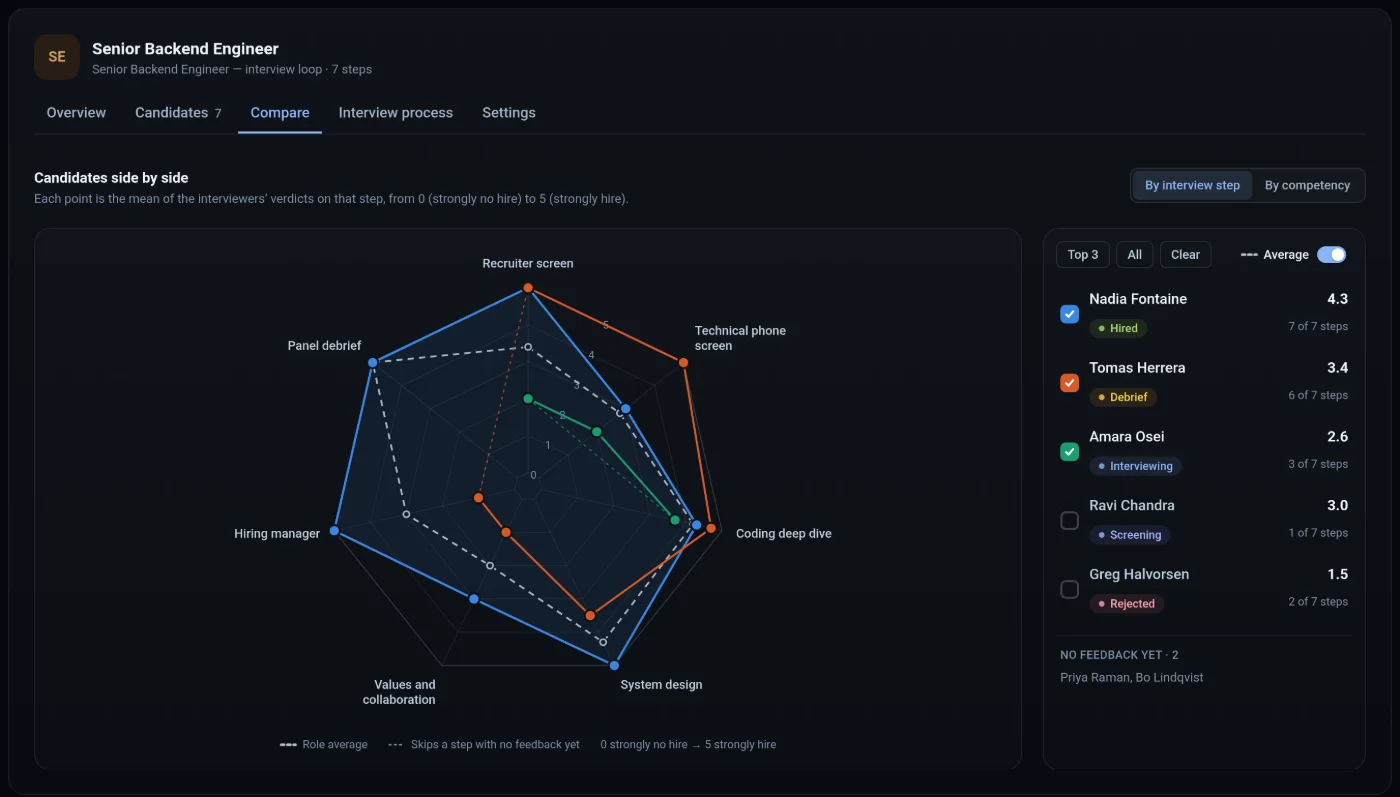
Set the interview process once per role. Candidates move across a kanban board, and the Compare tab lines them up side by side.
Scheduling
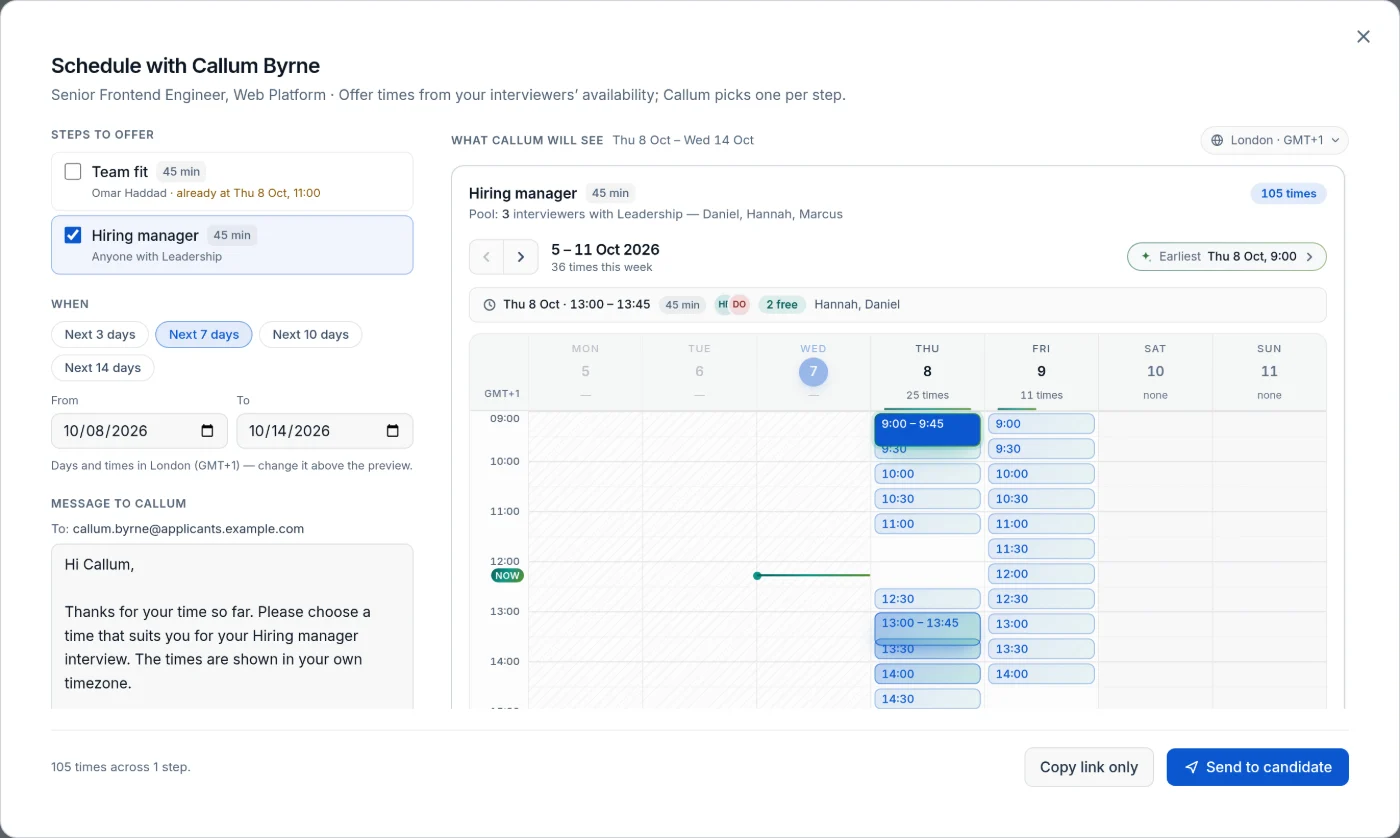
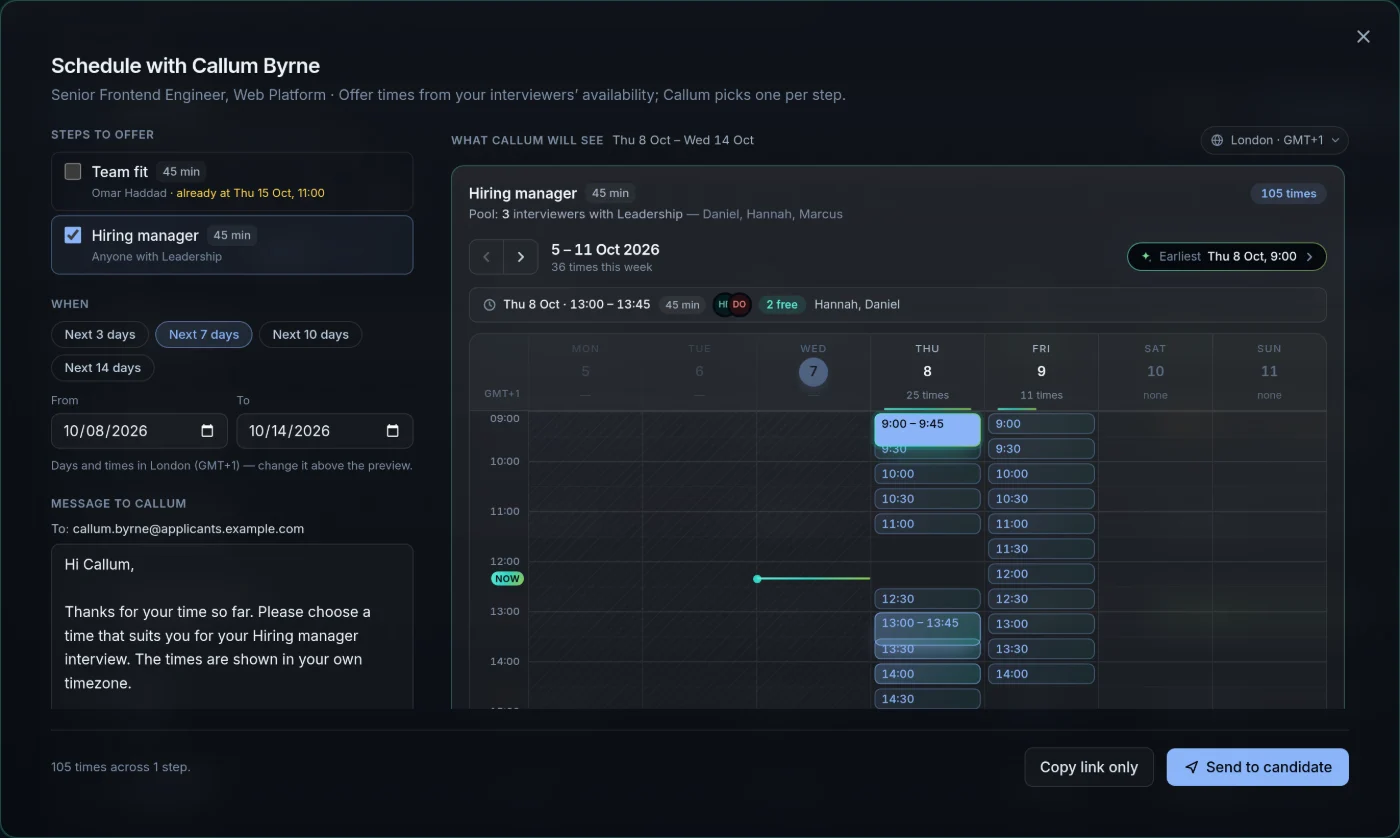
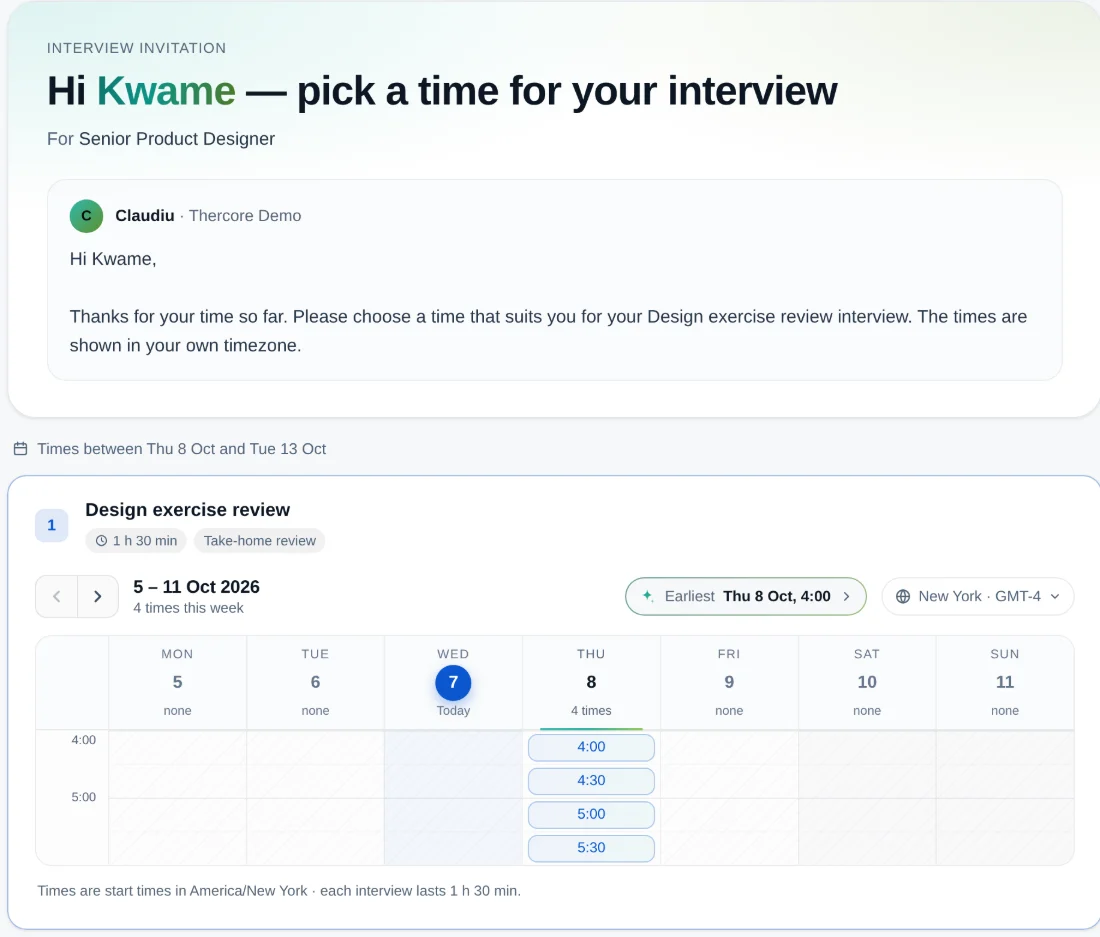
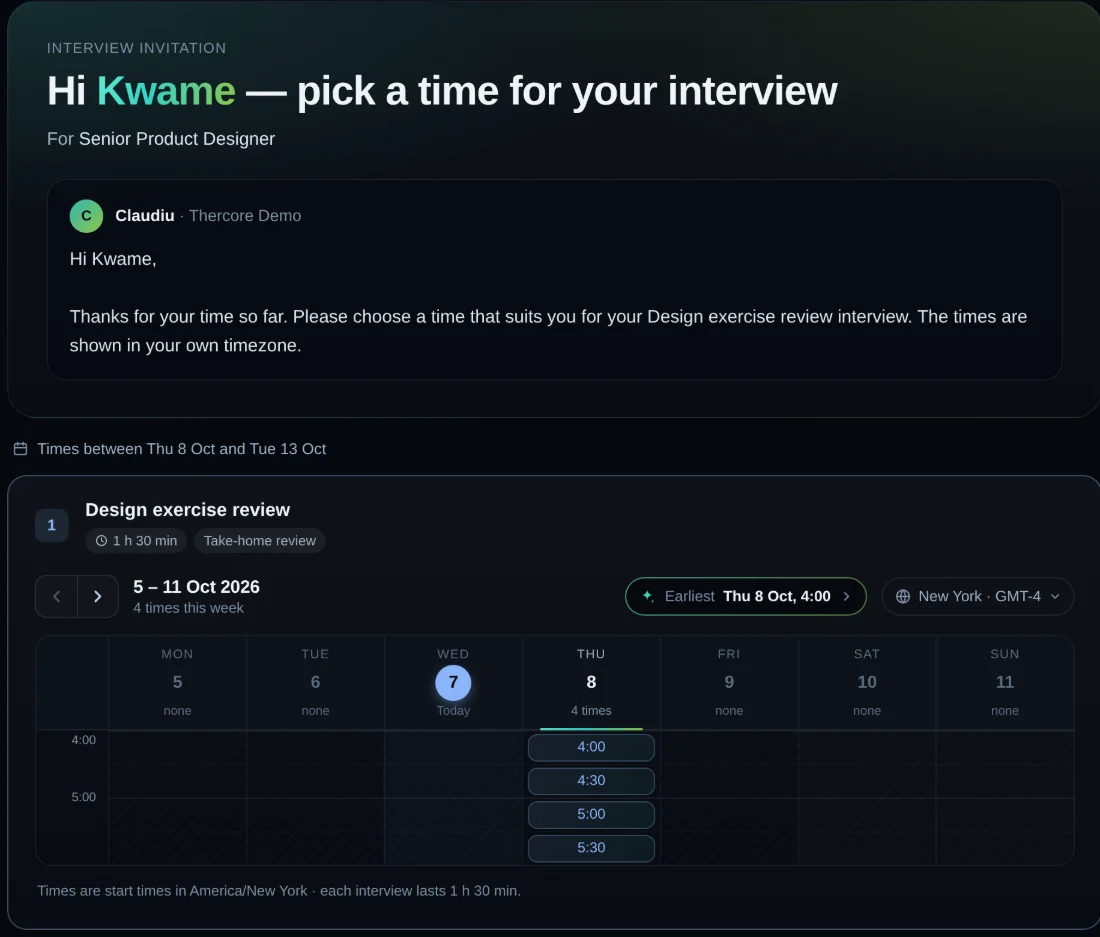
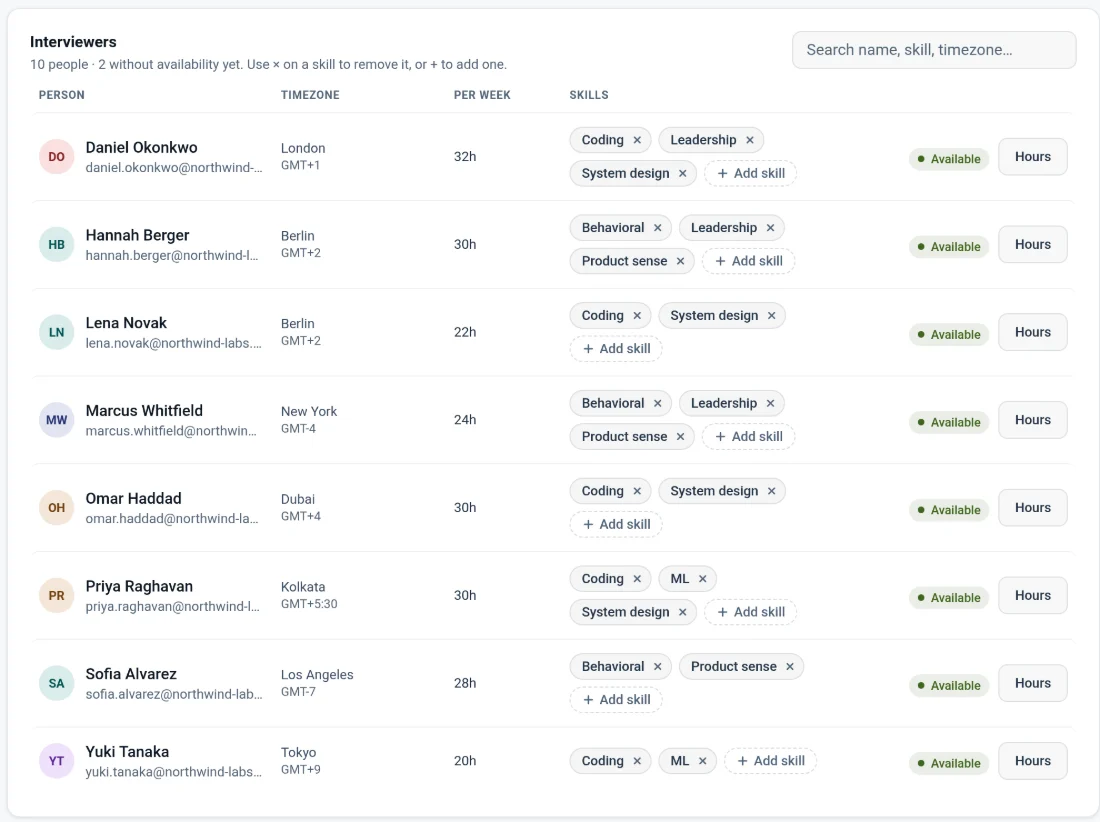
Thercore knows when each interviewer is free and what they can interview for, across timezones. Send a link, and the candidate books on a page that looks the part.
And the rest
Google-Docs-style sharing for every loop: restricted, the hiring team or everyone. Choose who reads each write-up, and hide feedback until people submit their own.
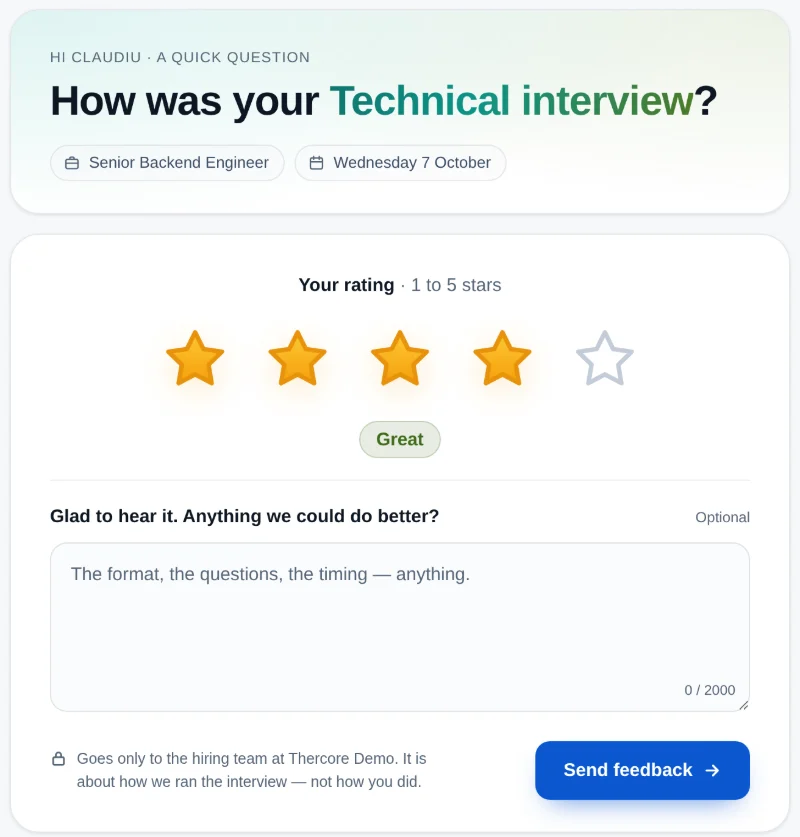
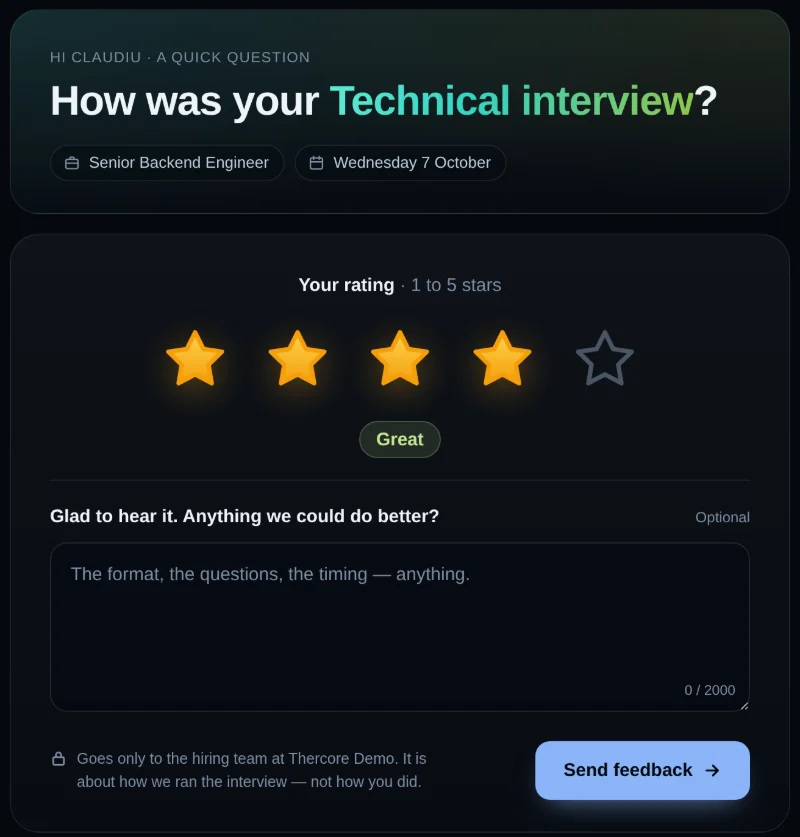
After each interview, candidates leave one to five stars and a note. See the averages per role and per step.
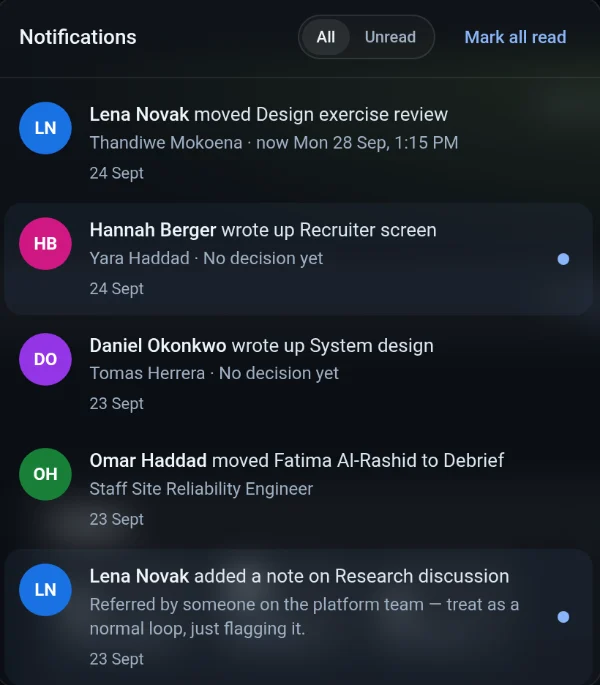
A write-up landed, a candidate moved, someone tagged you. One bell, nothing missed.
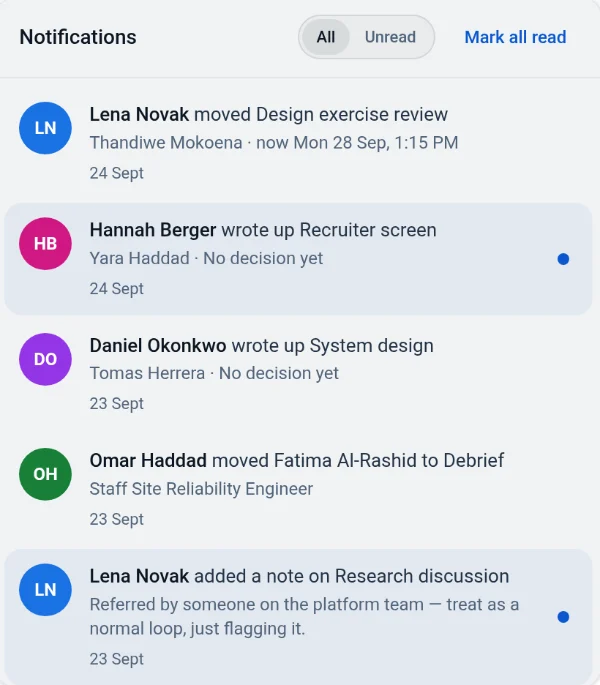
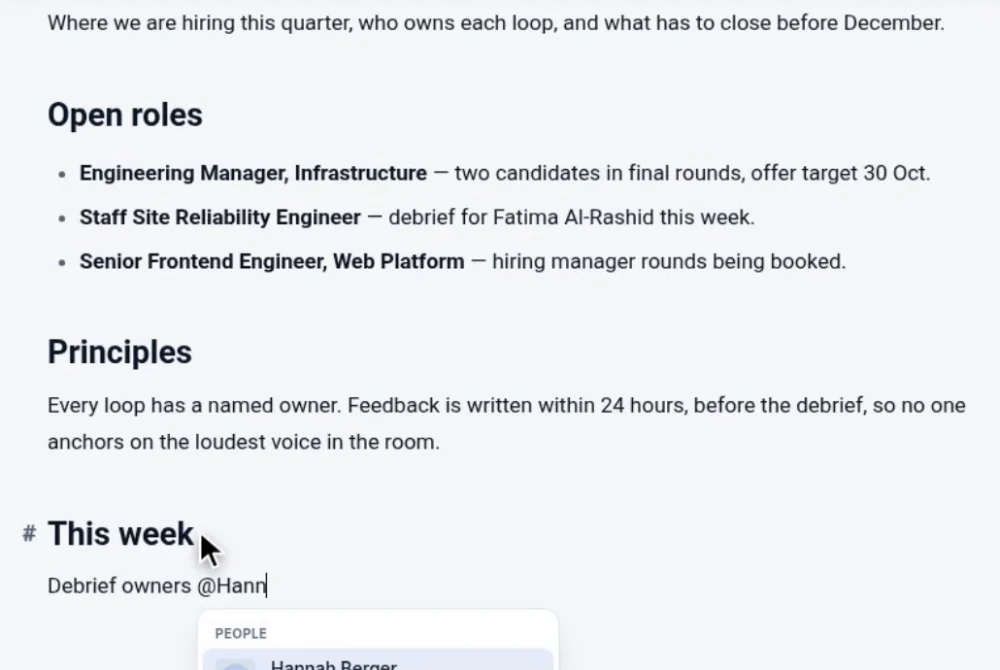
Write the hiring plan together: co-editing, comments, @-mentions, tables and checklists.
Light or dark, desk or train. Review a write-up or move a candidate from wherever you are.
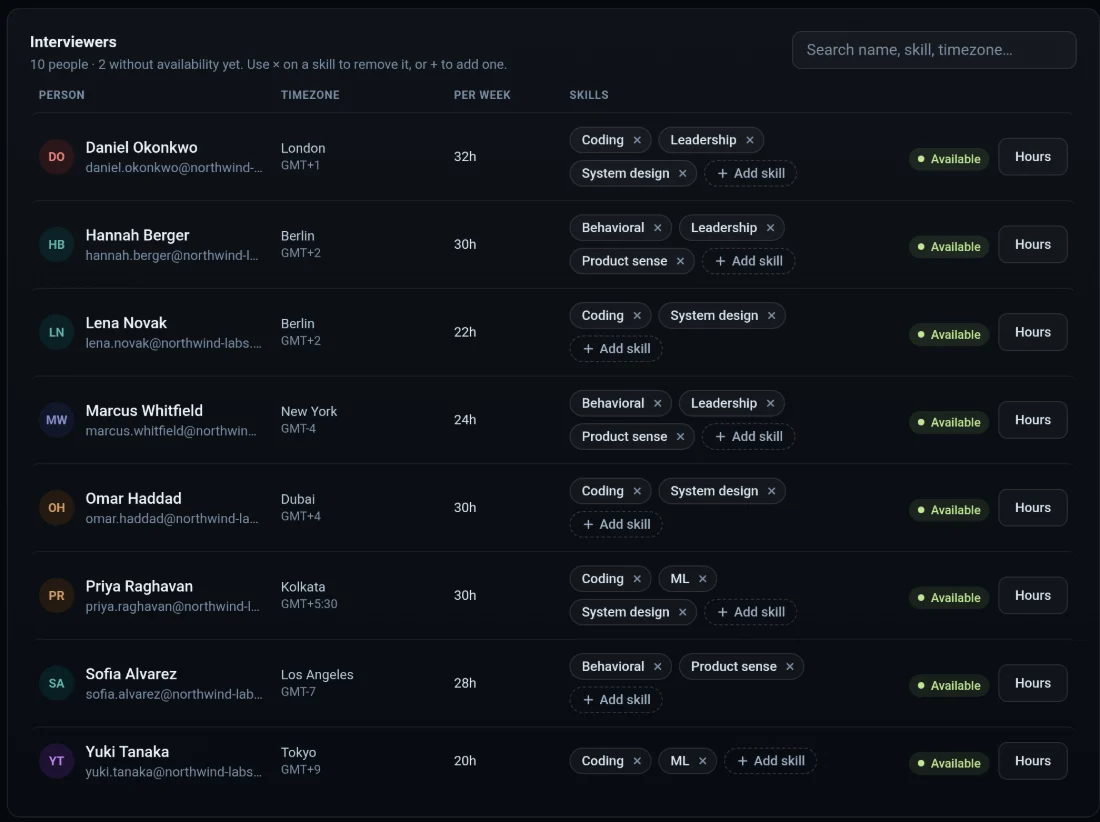
Who can run which interview, their timezone and their weekly hours. Every booking is built from it. Add a skill, and the right people are offered for the right steps.
How it works
Attach it in the chat and name the role. The assistant creates the candidate and proposes the loop; you confirm it.
Interviewers are booked from their real availability, the candidate picks a time, and each panel writes up what it saw.
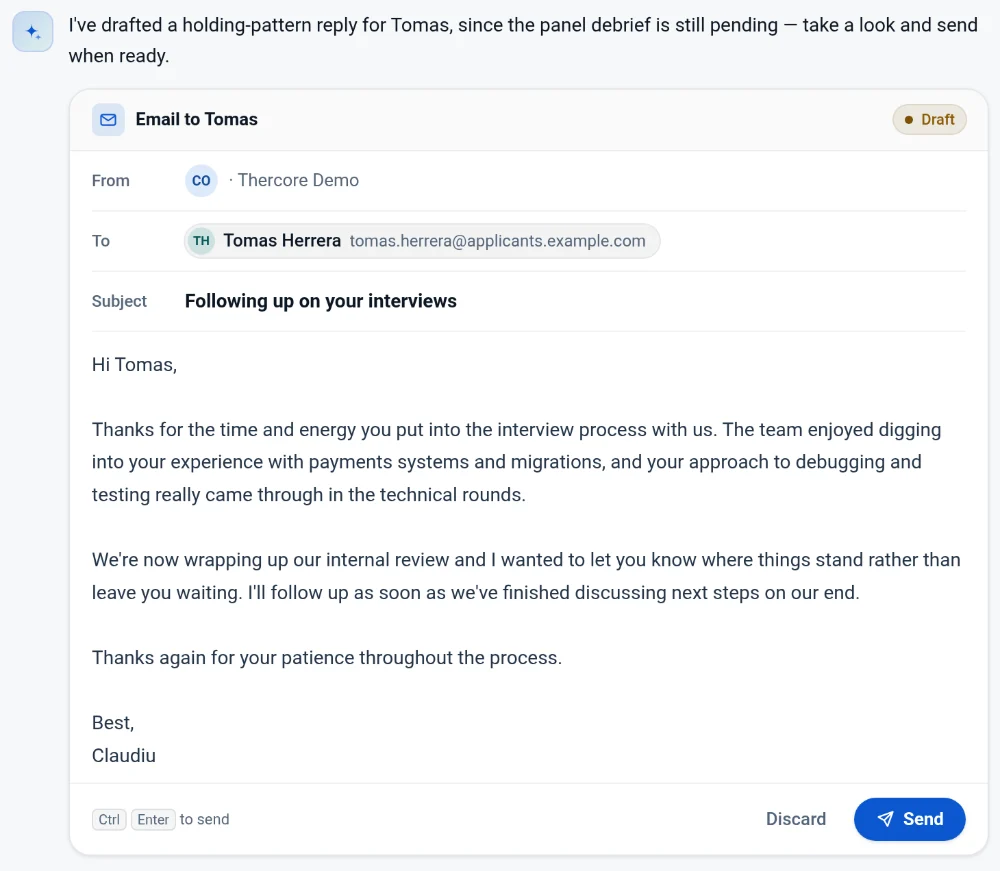
Verdicts, write-ups and a side-by-side comparison on one screen. Then send the email the assistant drafted.
Create a workspace, invite your interviewers and drop in the first CV.
Or watch the tour first